When auto provisioning fails you can try downloading the config file manually. You can try the link in the provisioning link.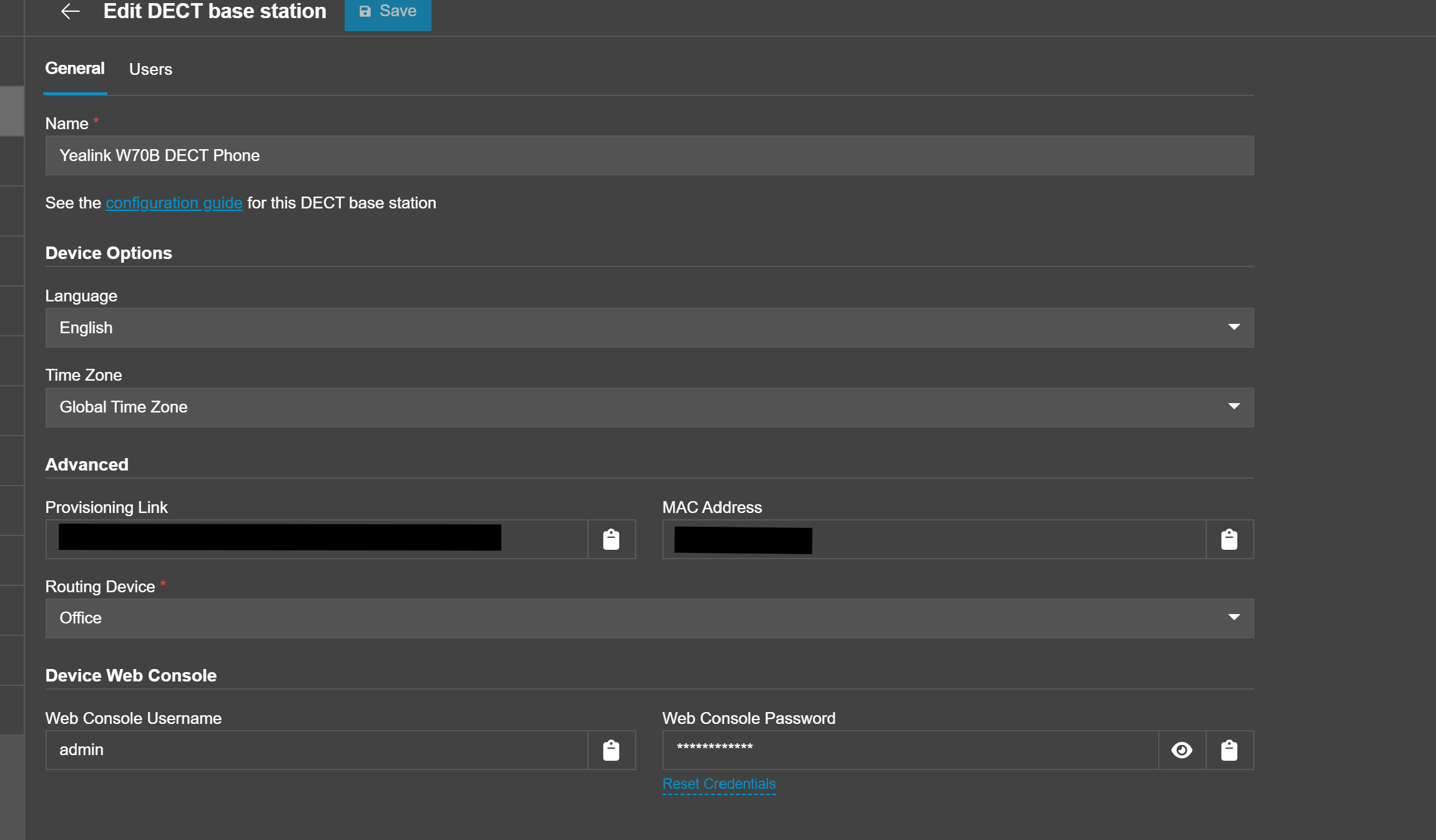
If that doesn't work you can try taking that link and adding the mac address to the end of it and add.cfg to request the config file. (example: https://FQDN/xxxxxx/macaddress.cfg ) After that you can log into the phone webpage and find the setting for Configuration where you can upload the config file. The file type can be .cfg or .xml depending on the type of device.
References:
https://www.3cx.com/community/threads/provisioning-link-in-version-20.129883/
https://www.3cx.com/community/threads/provisioning-failed-for-yealink-w80dm.126066/
Was this article helpful?
That’s Great!
Thank you for your feedback
Sorry! We couldn't be helpful
Thank you for your feedback
Feedback sent
We appreciate your effort and will try to fix the article