Open Office 365 on the web
Go to https://portal.office.com and in the upper right-hand corner select Sign In to sign in with your Microsoft 365 work account.
Lightweight versions of the Office apps are available right there. Just click an app icon to start using the app in your browser.
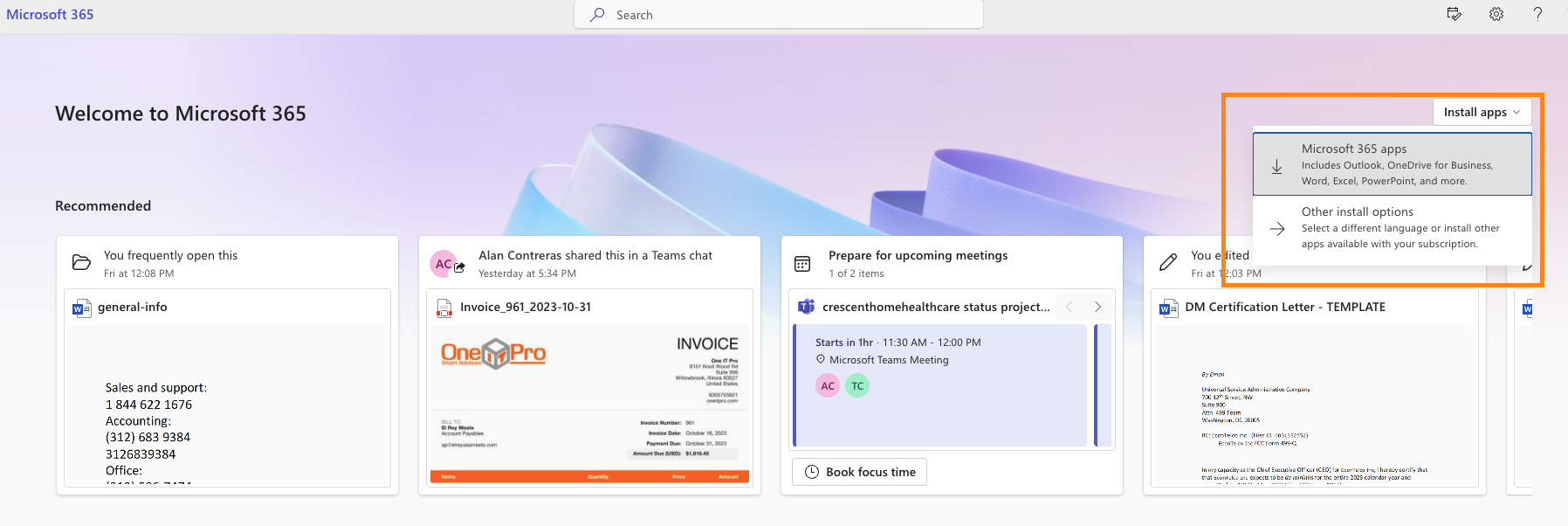
And if you don't already have the desktop versions of the Office apps installed, select Install Office near the top right of the window.
Was this article helpful?
That’s Great!
Thank you for your feedback
Sorry! We couldn't be helpful
Thank you for your feedback
Feedback sent
We appreciate your effort and will try to fix the article